


Obby: +1 Keyboard Speed Escape – Run Across a Giant Keyboard
Obby: +1 Keyboard Speed Escape is a 3D running and obstacle game that takes place inside a strange world built around a giant keyboard.
You control a character who runs across oversized keyboard keys, explores different areas, and tries to escape. The unusual setting makes the adventure different from a regular obstacle course.
Your character can become faster as you progress. Higher speed helps you travel across longer distances, but it also makes careful movement more important.
Run Across Giant Keyboard Keys
The keyboard forms a large part of the game's environment. You move across huge keys while looking for a way through the course.
Different areas contain platforms, gaps, and obstacles that interrupt your path.
Some keyboard keys react when your character steps on them. You need to pay attention to the ground and prepare for the next movement.
The keyboard also produces unusual sounds as you explore.
Build Your Running Speed
Obby: +1 Keyboard Speed Escape lets you increase your character's movement speed.
Running and making progress help you become faster. You can also use upgrades to improve your movement.
The game includes treadmills that help boost your progress.
More speed can make longer jumps easier. However, moving too quickly may cause you to miss a platform or turn.
Explore Mazes and Escape Challenges
The adventure includes different obstacles and maze-like areas.
You need to find suitable routes while avoiding hazards and other challenges.
Some sections require quick movement. Others reward players who slow down and examine the path.
The changing obstacles keep the escape journey interesting.
Fun Sounds and Character Upgrades
The game includes different footstep sounds that add variety to movement.
You can explore sound effects such as bubbles, water, chocolate, and lava.
Upgrades give you another reason to keep playing. Improving your character helps you approach harder parts of the escape course.
Game Controls
Use W, A, S, and D to move around the environment. Move your mouse to adjust the camera and look in different directions.
Press Spacebar to jump. Use E to interact with available purchases or upgrades.
Make Your Escape Easier
Start by learning how your character moves at a lower speed.
Look ahead before jumping across large gaps. Keep the camera pointed toward your next destination.
Use speed upgrades carefully. Faster running helps with long paths, but good control remains important.
Explore each area and pay attention to the keyboard layout. Understanding the route helps you avoid unnecessary falls and move closer to escaping.
Keep playing

Steal a Brainrot is a multiplayer collection game where you buy unusual characters, earn money, and try to steal items.
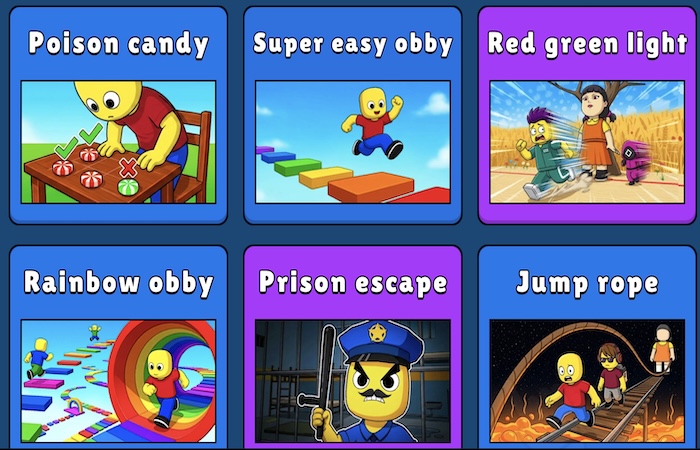
Roblox Obby: Tower of Hell is a climbing and obstacle course game where players race toward the top of a tall tower.
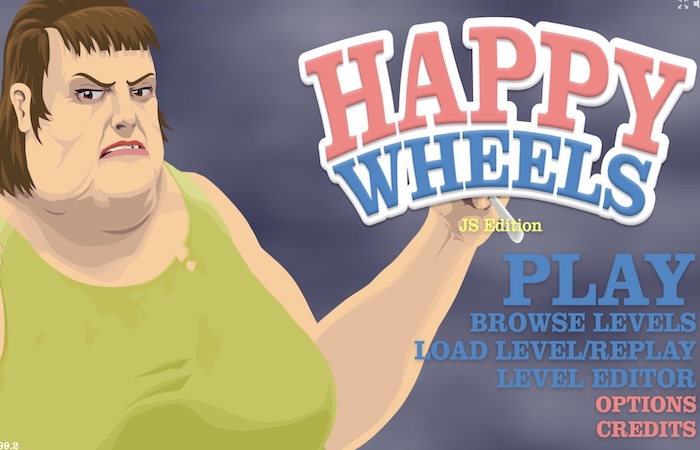
Happy Wheels is an obstacle course brutal game where you guide different characters through dangerous tracks.
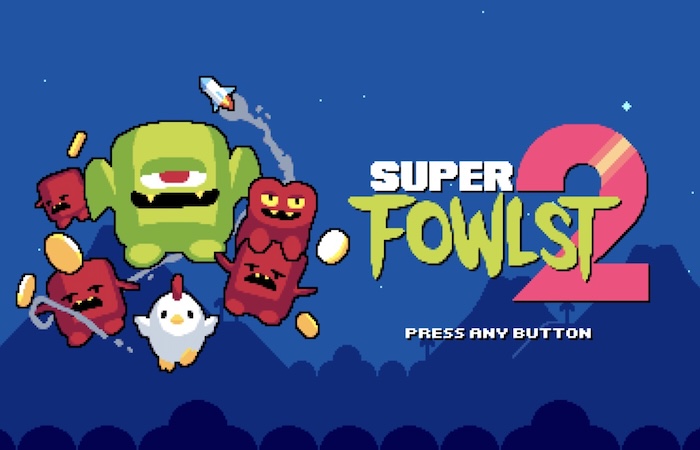
Take Fowlst through bigger stages with new enemies, stronger upgrades, secret areas, and more fast-paced chicken action.
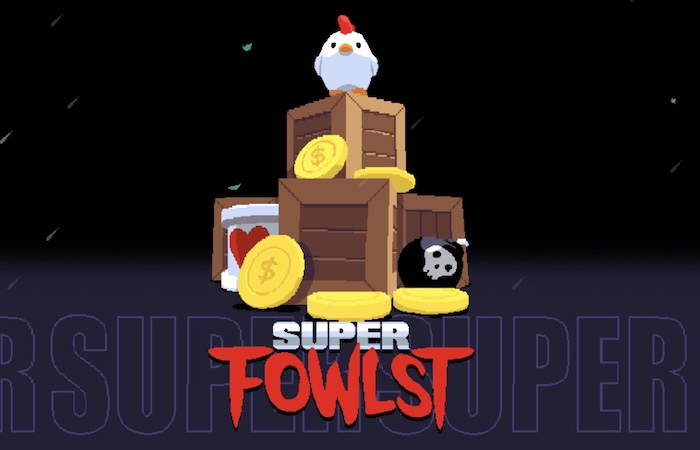
Help Fowlst battle enemies through fast arcade-style stages filled with hazards, coins, upgrades, and chaotic action.
Guide a brave chicken through dangerous rooms, dodge traps, defeat monsters, and collect useful rewards along the way.